
Project: Tourality
A virtual-reality project developed with Unity and connected cloud services.
Summary
An overview of the project, my responsibilities, and the development process.
Virtual-Reality Environment Development
Tourality — Lead Developer and Unity Programmer, August 2022–May 2023
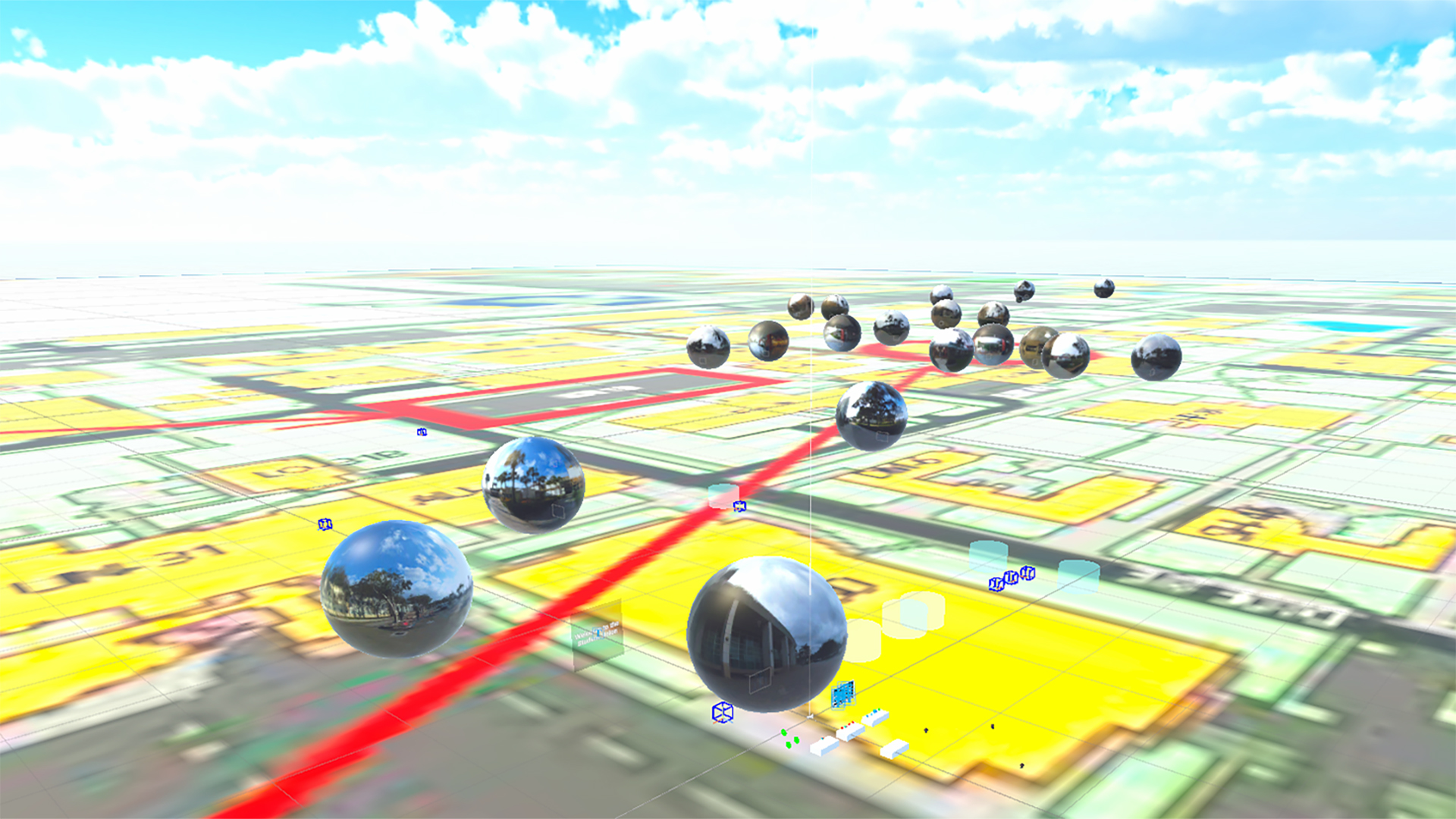
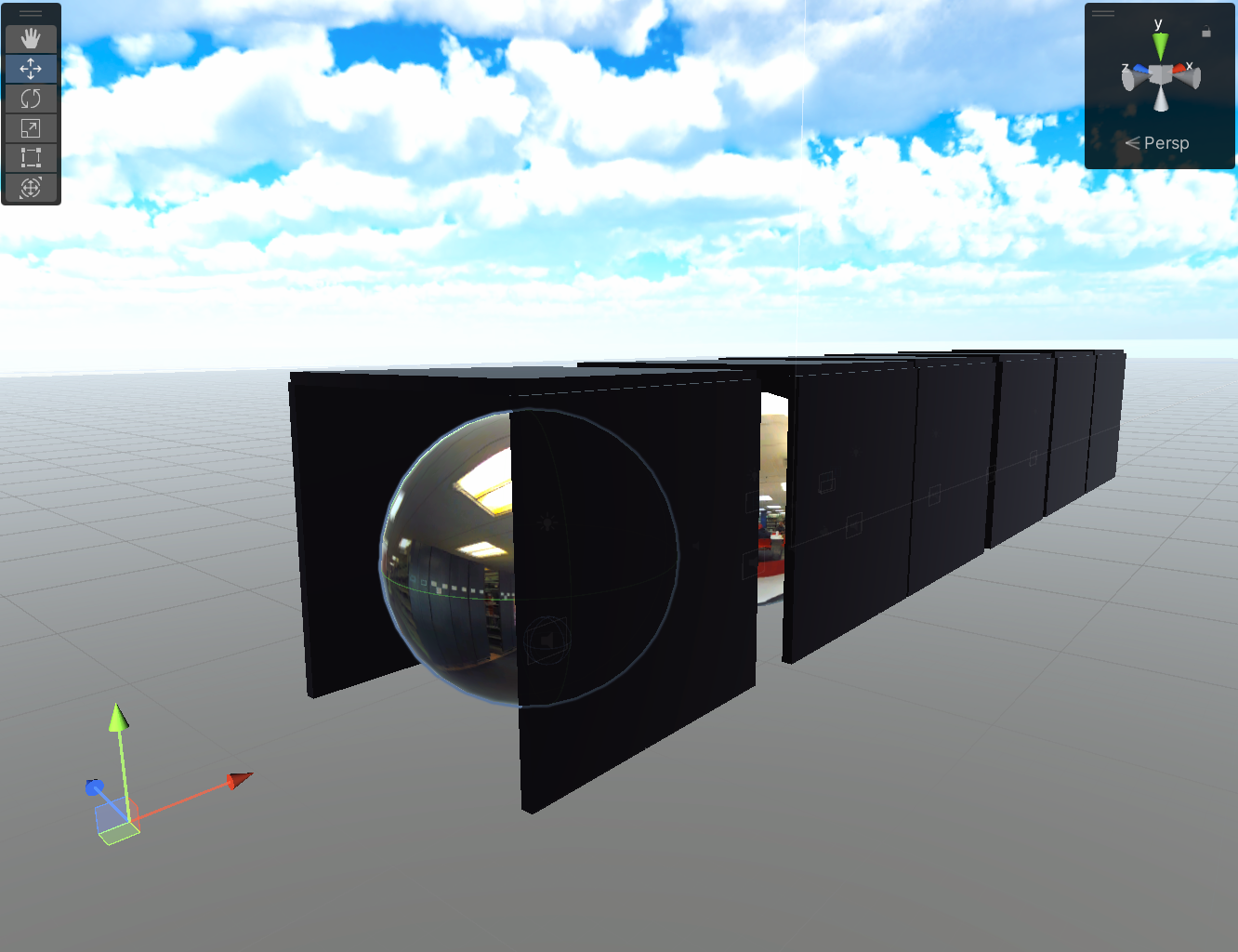
Tourality was a two-semester, five-person virtual-reality capstone that let users explore university tours assembled from 360-degree images. I led the Unity development and coordinated weekly work with the team, faculty advisor, and sponsor while connecting the headset experience to an AWS S3 workflow for creating and uploading tour areas from a companion website.
- Built the OpenXR player controller, object interaction, and short-distance teleportation systems.
- Connected Unity to AWS S3 so uploaded 360-degree images could become new tour locations.
- Created 2D and 3D menus for turning, teleport-hand selection, movement speed, and volume.
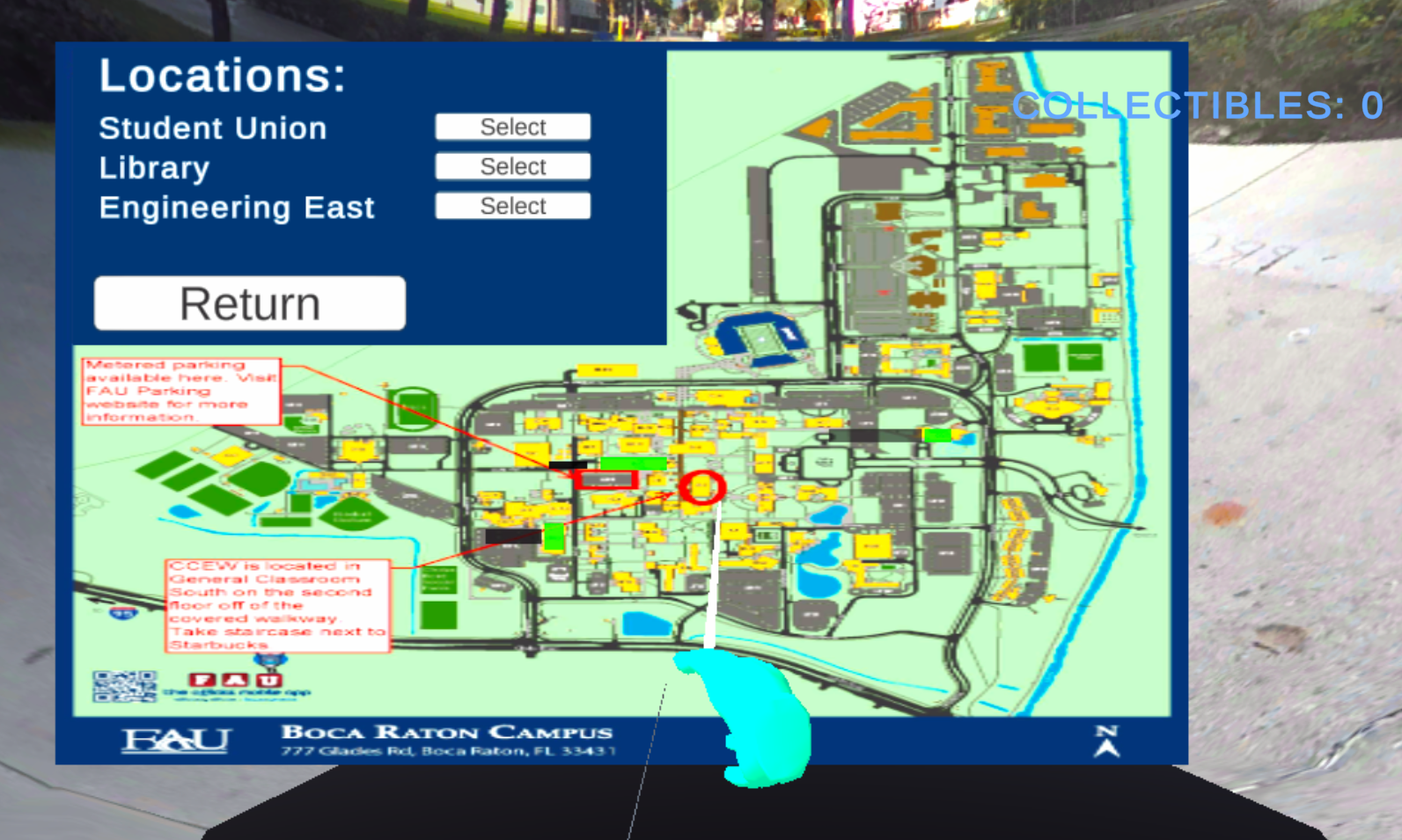
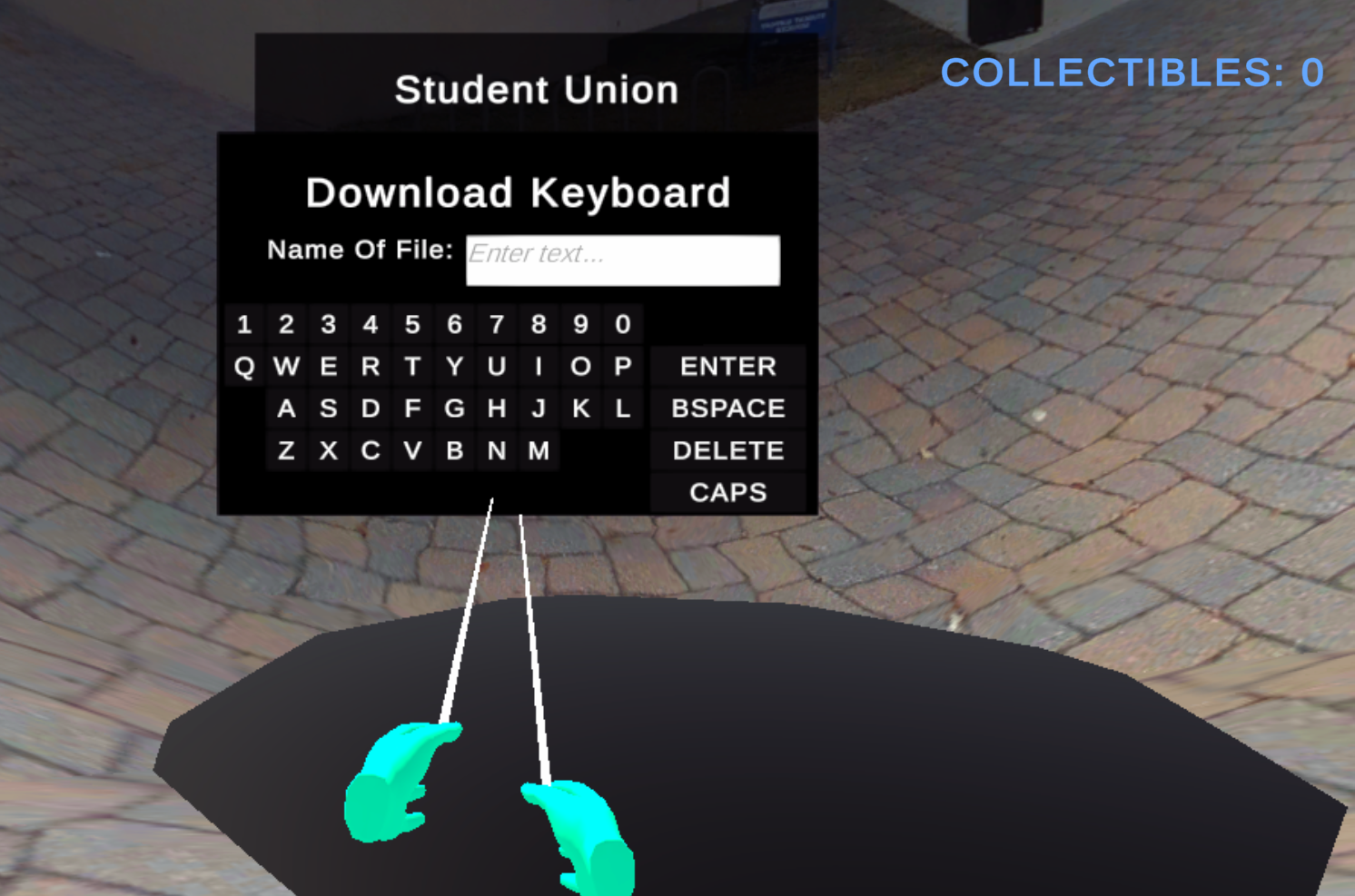
- Implemented a custom keyboard and map interface for naming and quickly moving among tour areas.
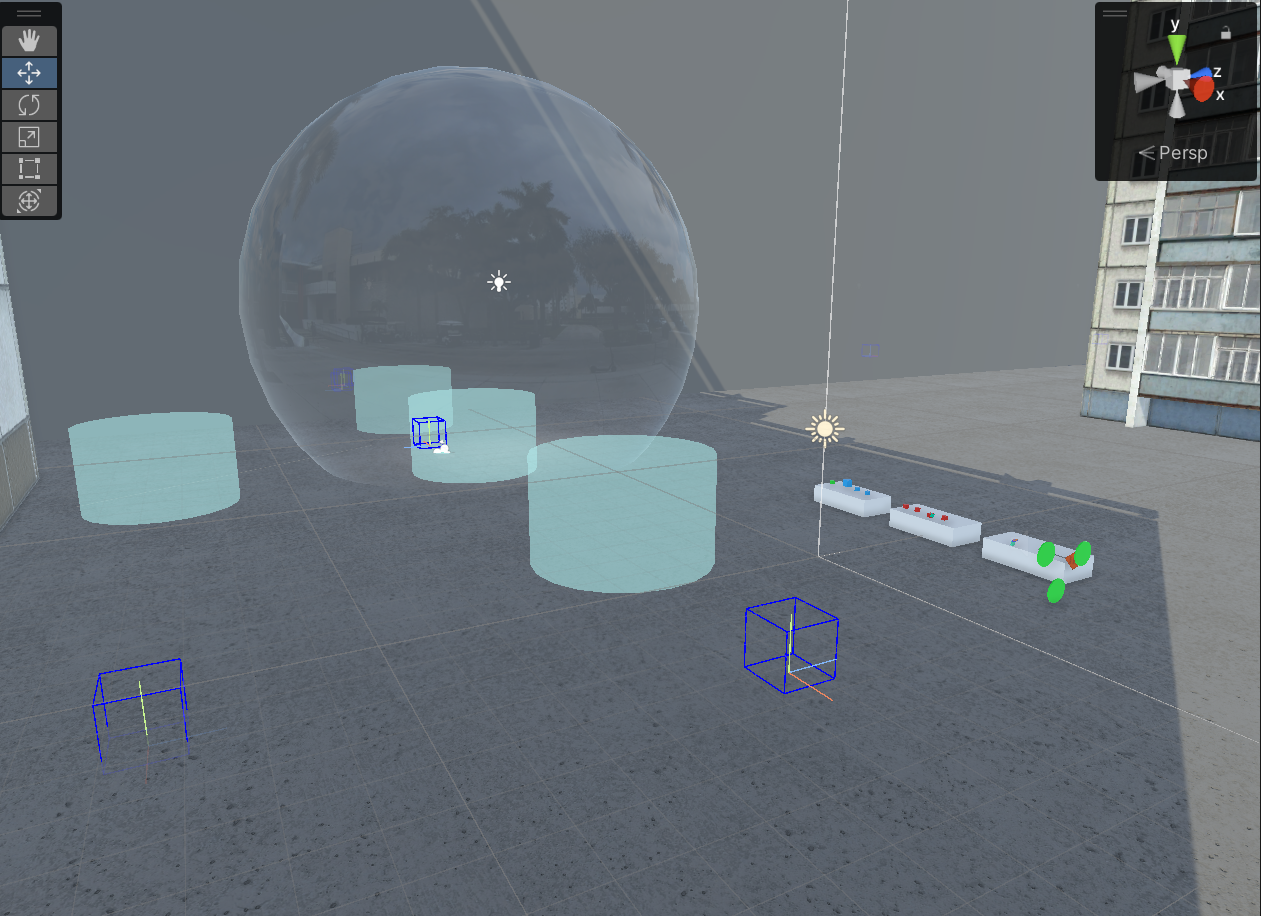
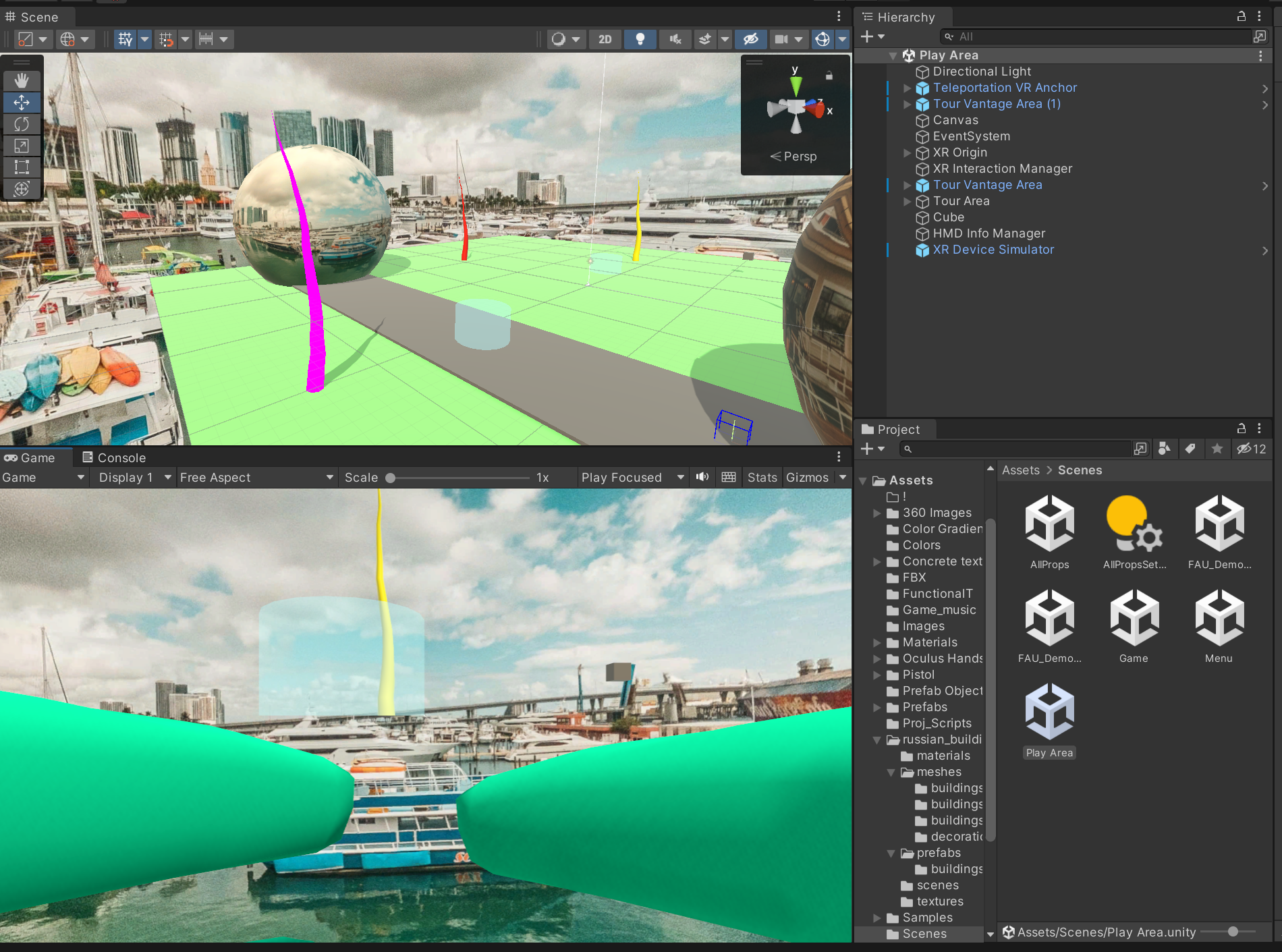
Tour Images
Scenes, interfaces, and development views from the Tourality project.

Tour Video
A video demonstration of the Tourality virtual-reality project.
Project: AR Library Expansion
An augmented-reality extension focused on waypoint placement and guided library interactions.
Description
An overview of the augmented-reality library expansion and its interaction systems.
Augmented-Reality Library Interaction
Unity-based mixed-reality interface and waypoint workflow
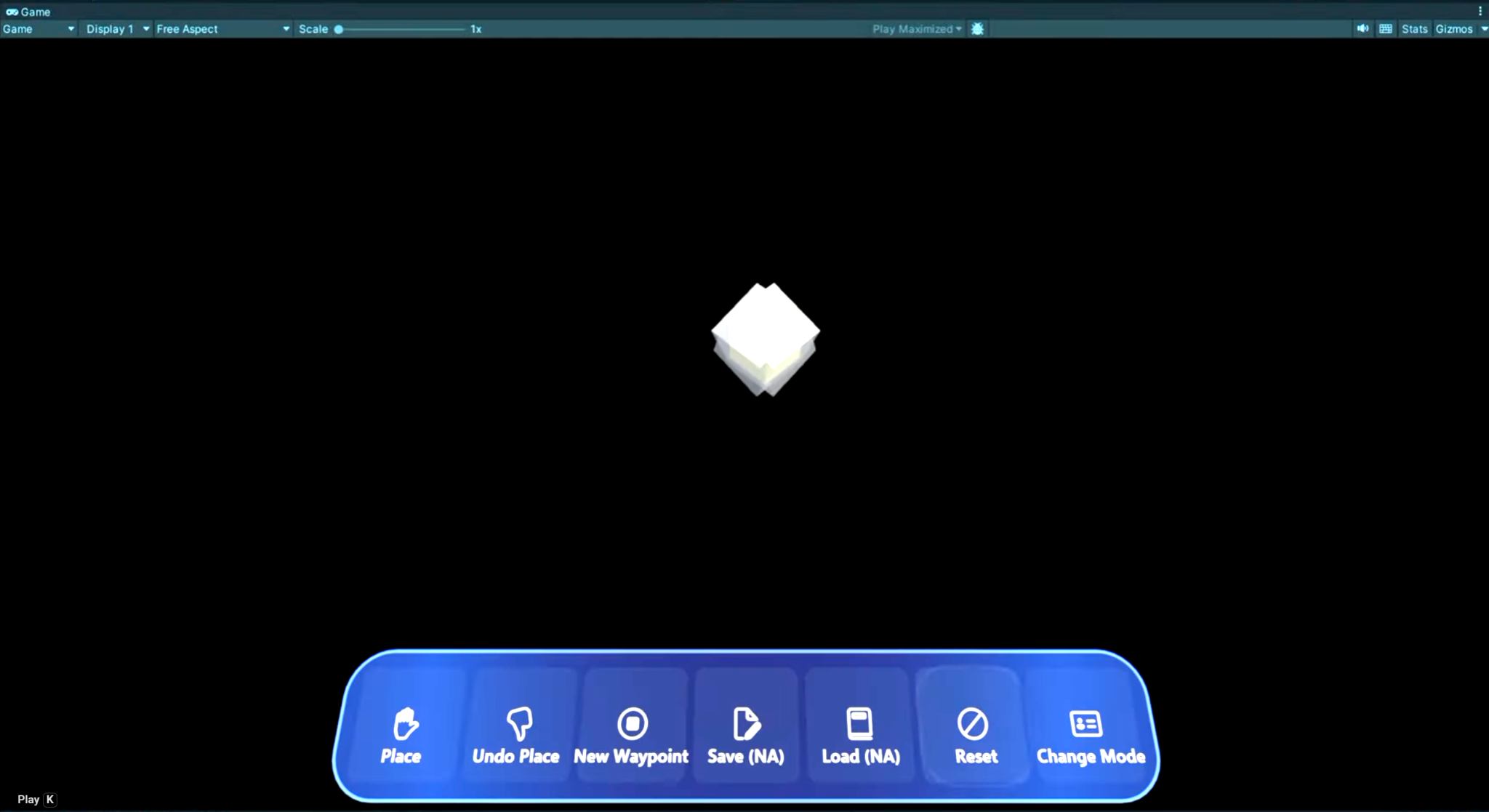
The AR Library Expansion extends the Book Tracker vocational-training platform with spatial tools for creating, saving, and following a guided route through a library. The demonstrations show a mixed-reality workflow designed to keep route-building and task controls available without taking the user out of the environment.
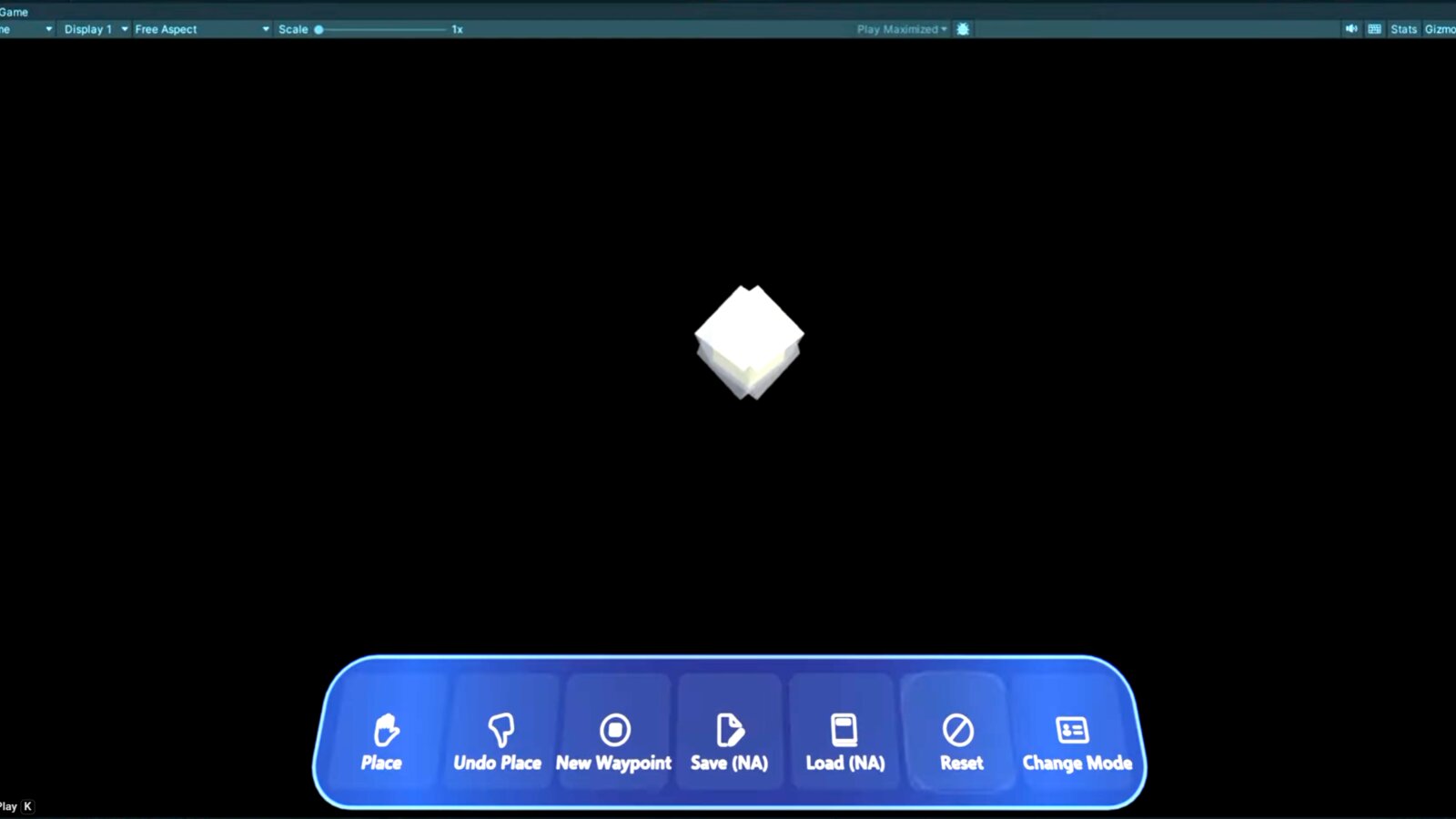
- Implemented controls for placing, undoing, and linking waypoints into a navigable route.
- Organized route and task controls into a clear mixed-reality menu for repeated practice.
- Added save, load, reset, and mode-selection functions for authoring and replaying routes.
- Refined the Unity interactions through debugging, unit testing, demonstrations, and student trials.
AR Library Video 1
The first demonstration of the AR Library Expansion.
AR Library Video 2
A second demonstration of the AR Library Expansion and its interaction workflow.